A failed payment isn't a cancellation. It's a card that needs updating.
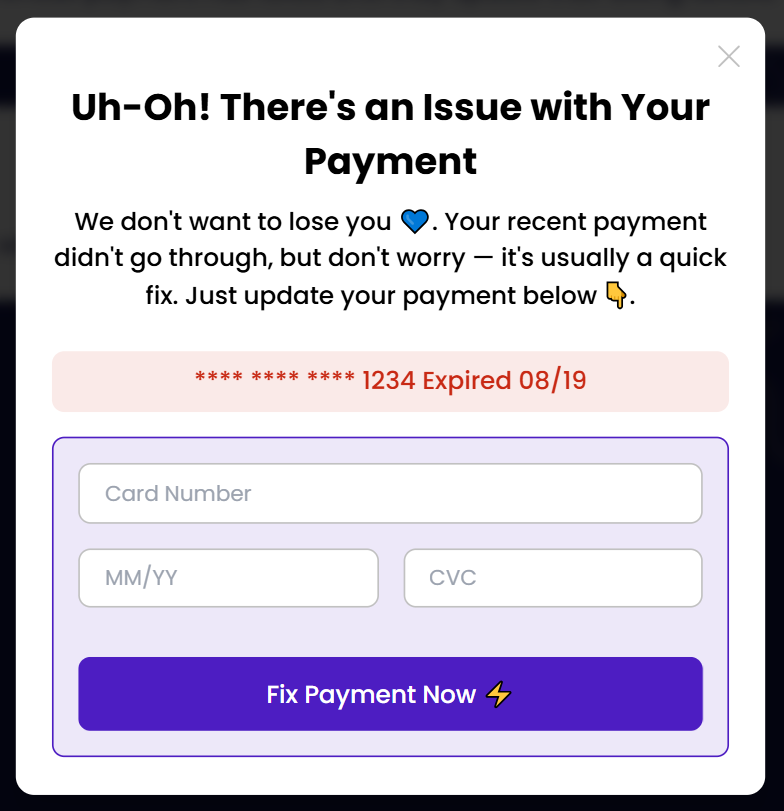
Most products stay silent when a payment fails. Payment Wall acts immediately at the moment a customer logs in, they see a clear popup to update their payment method.
Jordan Lee
Payment status
What your customer sees the moment a payment fails.
A single, focused screen that asks for one thing: an updated card.
Styled to match your product, not a generic popup
Card gets fixed in place, no separate billing portal
Appears on login — no waiting on an email to be opened
Most failed payments just need to be noticed.
A quiet decline becomes a quiet cancellation — Payment Wall speaks up first.
Most failures aren't real churn
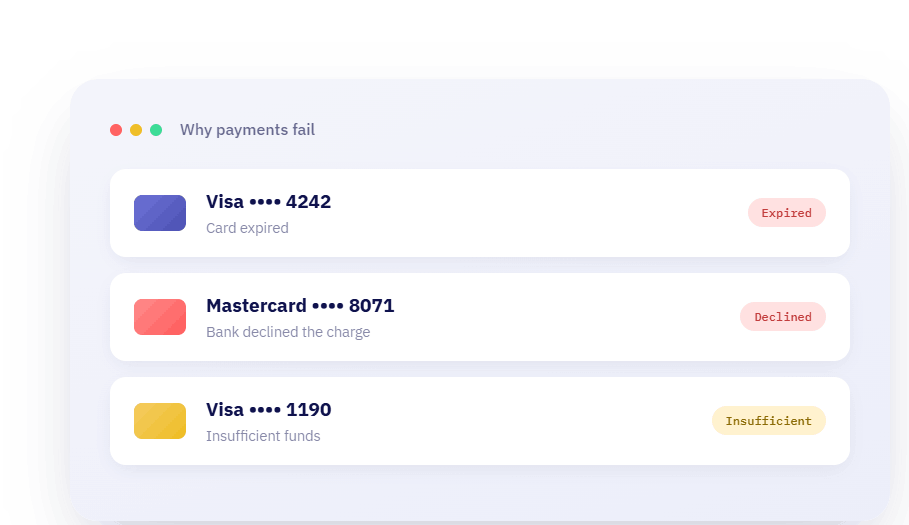
Expired cards, bank flags, temporary issues most failed payments just need someone to ask, not a cancellation.
Most of these customers want to stay. They just don't know their card stopped working.
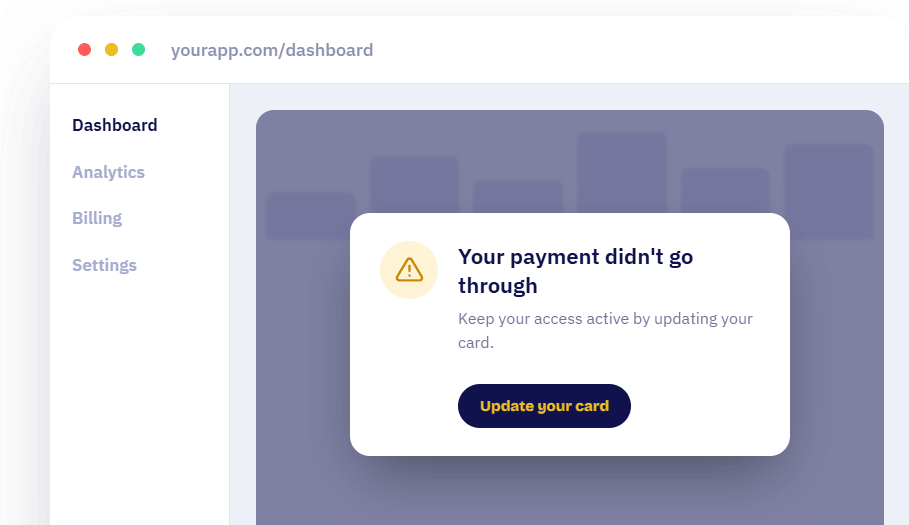
An in-app reminder, right where they are
No inbox to check. It shows up right inside your product, exactly when they're using it — and it's easy to act on immediately.
No campaign to build, no follow-up to remember — it runs the same way every time.
You're in control.
You choose which one fits your business.
Soft Wall
A dismissible reminder. Customers see the message but can close it and keep using your product for now.
Grace period
Set how many days a customer stays on Soft Wall before it locks and can no longer be closed.
Exclude the pages that matter
Choose any page where you don't want the wall to show.
Setup takes minutes.
Using Paid Membership Pro?
Turn it on from your dashboard. No code, no developer.
Using Stripe?
Add one small script to your website, and you're live
<script>
    function runWallScript() {
        window.churnSolution?.checkWall(
            authKey, // hash from the backend
        );
    }
    runWallScript();
</script>
Payment Wall FAQs
Have questions? We're here to help.
Subscription Growth Resources
Check out our blogs and guides to improve retention and keep customers satisfied
Ready to Take Your Retention to the Next Level?
Schedule a call with our team today to discuss your current approach and see how we can help you improve retention.
- Expert guidance
- Effortless Setup, Maximum Impact
- Proven Success with Leading Brands