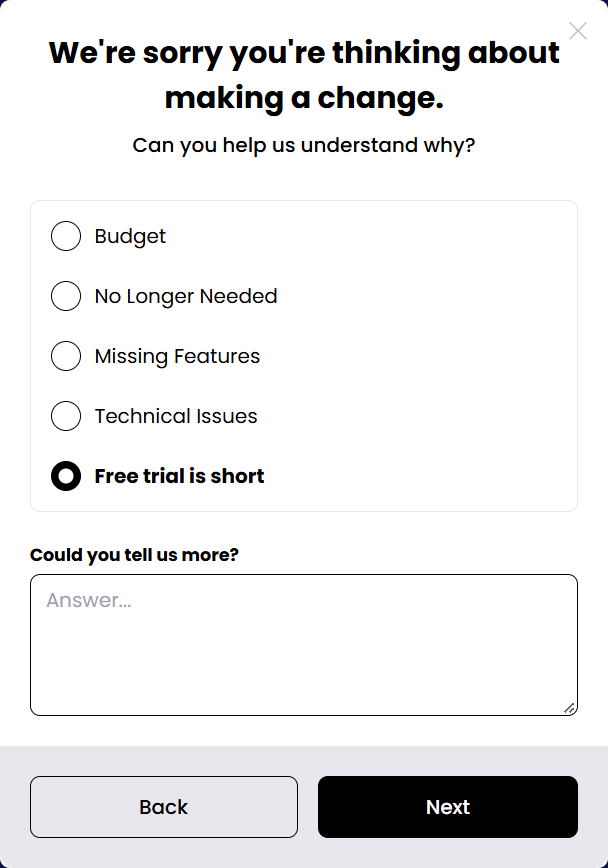
The customer picks one reason (Budget, No longer needed, Missing features, Technical issues, or your own) and can answer a follow-up question for that reason. Each reason routes to a different offer. Exit survey →
Survey step with a follow-up question.
Offers
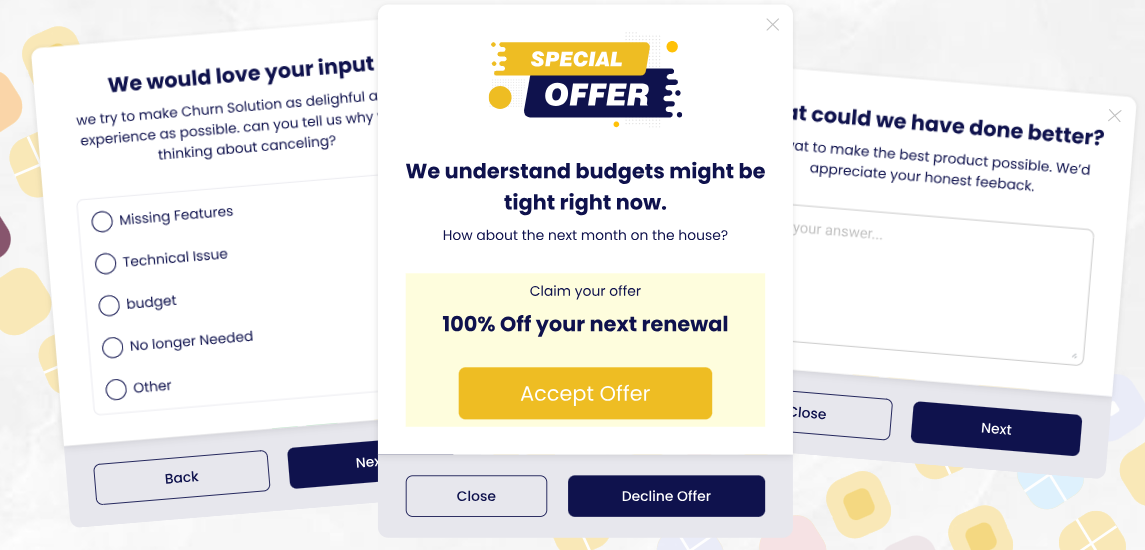
One save offer per reason. Every offer card has Close and Decline offer. Dynamic offers →
Pause subscriptionPause for 1–12 months, or pick any custom resume date; billing resumes automatically on that date.
Coupon (discount)Percentage or fixed amount, once, for N renewals, or forever.
Trial extensionAdds days to a running free trial.
Switch planMove to a better-fitting plan.
Switch plan with couponSwitch and get a discount on the new plan.
Contact: send an emailReach support by email before cancelling.
Contact: chat on WhatsAppReach support on WhatsApp.
Send to a pageRedirect to any URL you choose.
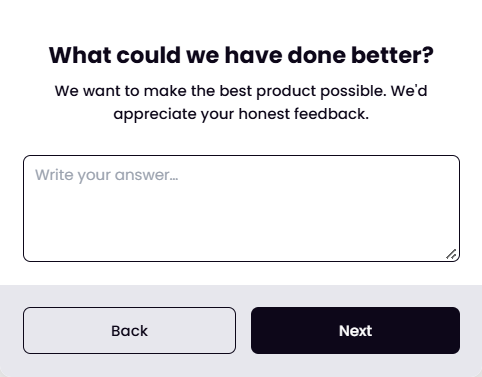
Free-form feedback
An open question with a text box, shown as its own step. Answers feed AI feedback analysis.
Free-form feedback step.
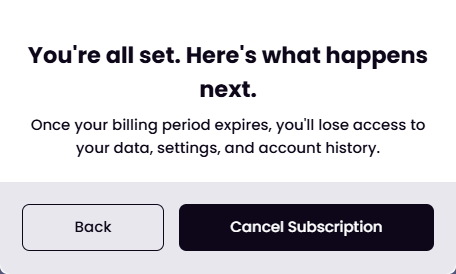
Confirmation
Tells the customer what happens next according to your cancellation term, then shows the final Cancel subscription button.
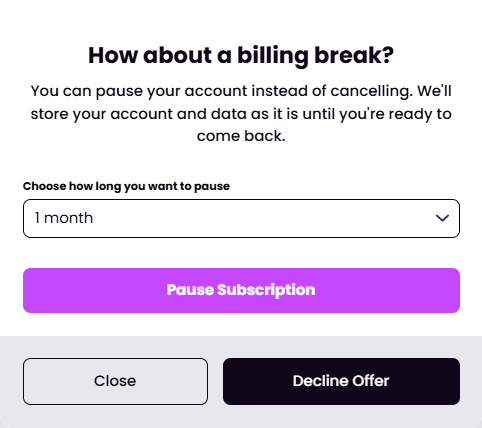 Pause subscriptionPause for 1–12 months, or pick any custom resume date; billing resumes automatically on that date.
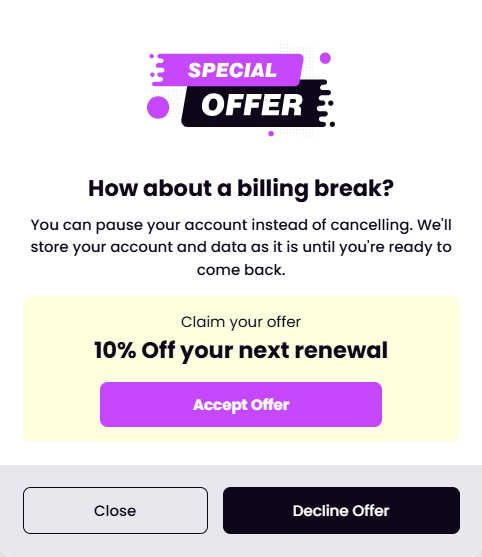 Coupon (discount)Percentage or fixed amount, once, for N renewals, or forever.
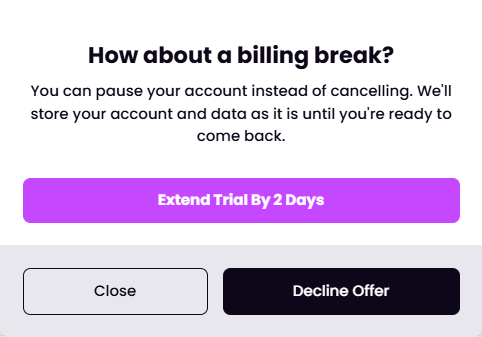 Trial extensionAdds days to a running free trial.
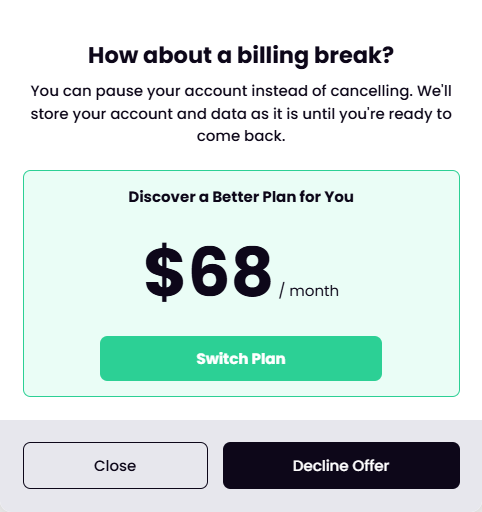 Switch planMove to a better-fitting plan.
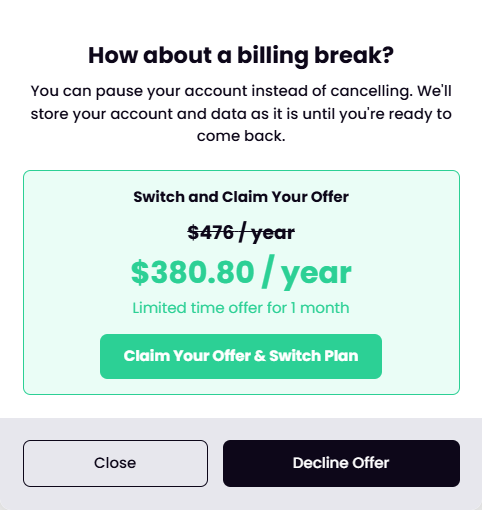 Switch plan with couponSwitch and get a discount on the new plan.
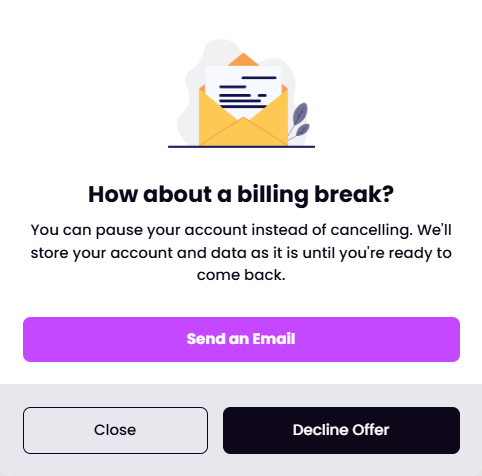 Contact: send an emailReach support by email before cancelling.
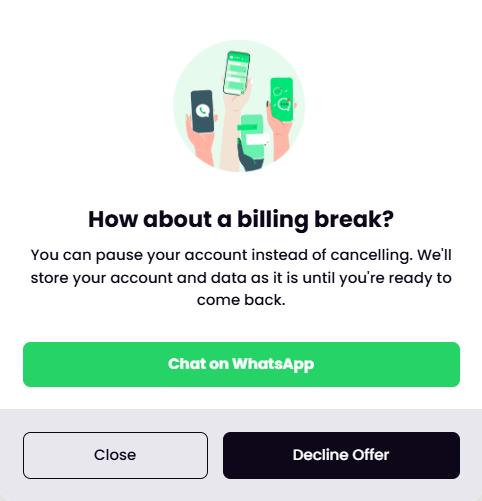 Contact: chat on WhatsAppReach support on WhatsApp.
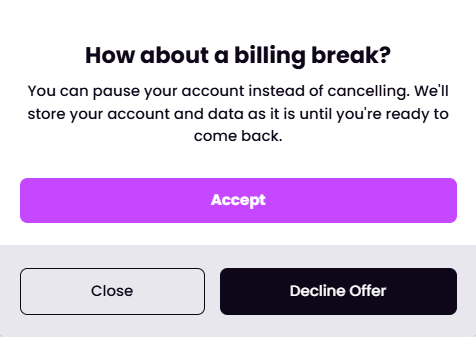 Send to a pageRedirect to any URL you choose.