HubSpot
Send cancellation outcomes to HubSpot contacts, so sales, customer success and marketing see why a customer cancelled and what happened, right on the contact record.
On this page
How to connect HubSpot and Churn Solution
- Click Connect HubSpot
On the Integration page.
- Select your HubSpot account
You are sent to HubSpot. If you have access to several accounts, choose the one to connect.
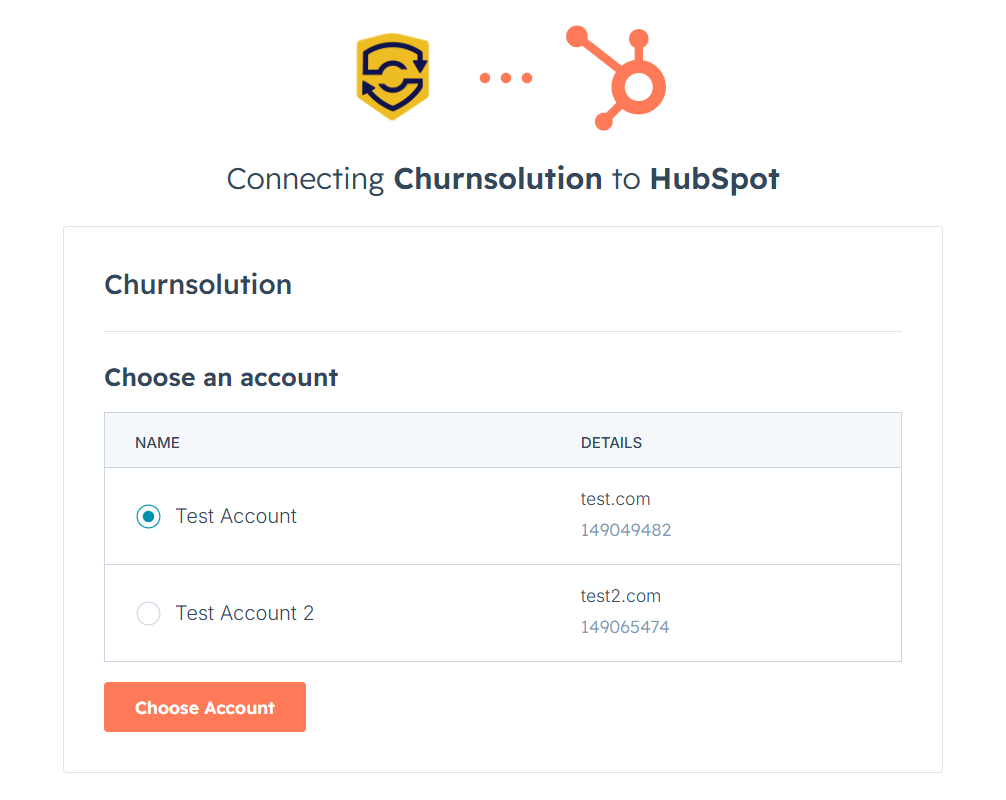
Choosing the HubSpot account to connect. - Approve the connection
Then you are returned to Churn Solution with the connection active.
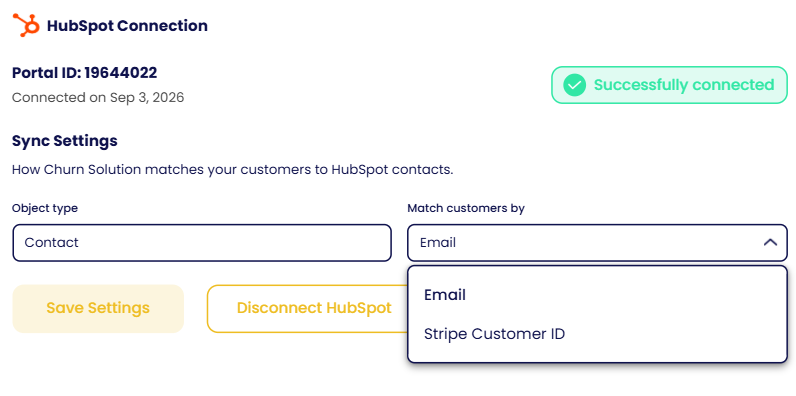
Match HubSpot contacts
By default, subscribers are matched with HubSpot contacts by email address. If you use Stripe, you can match by Stripe Customer ID instead.
Send cancellation outcomes to HubSpot
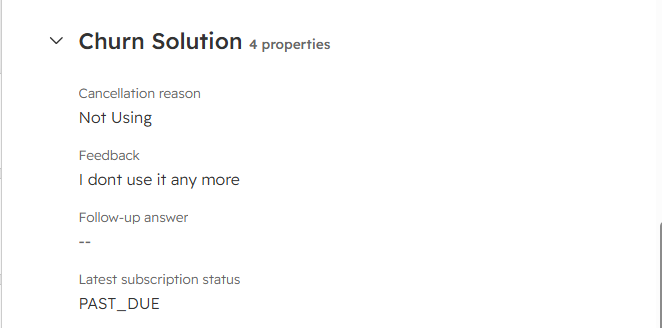
After every cancellation session, the matching contact is updated with:
- Subscription status
- Cancellation feedback
- Cancellation reason
- Follow-up question answer
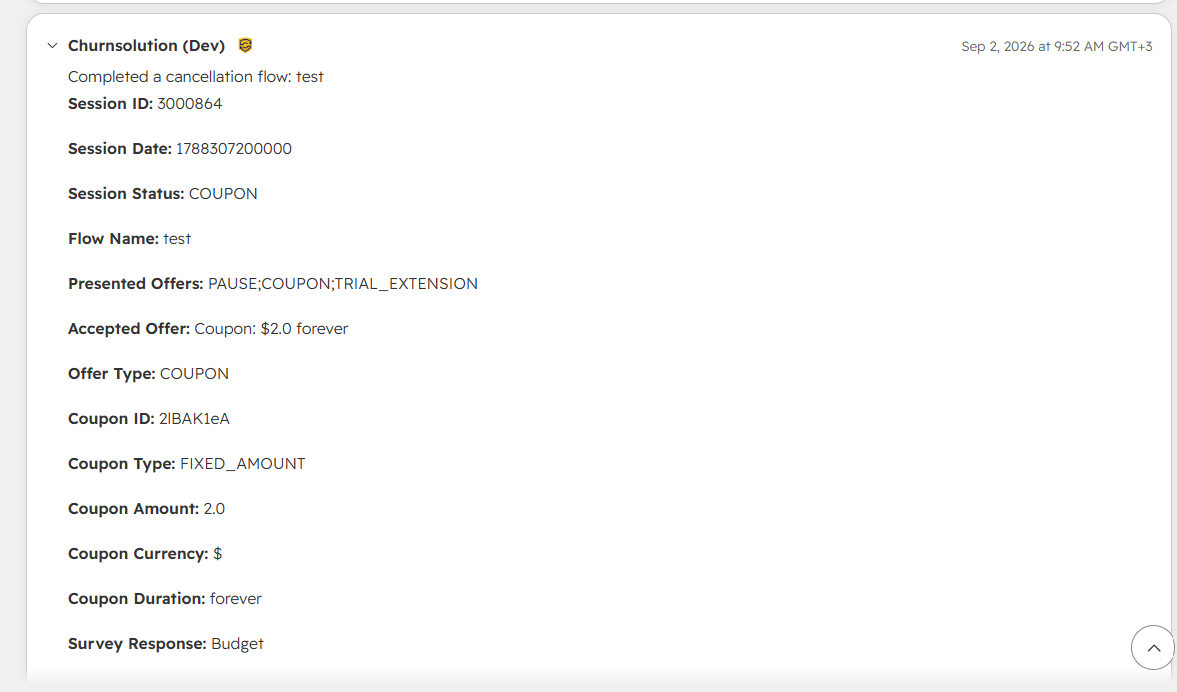
The latest outcome is stored in a HubSpot property on the contact. The full history of the customer's cancellation sessions is also saved to the contact's timeline, giving a complete picture of their cancellation journey in HubSpot.