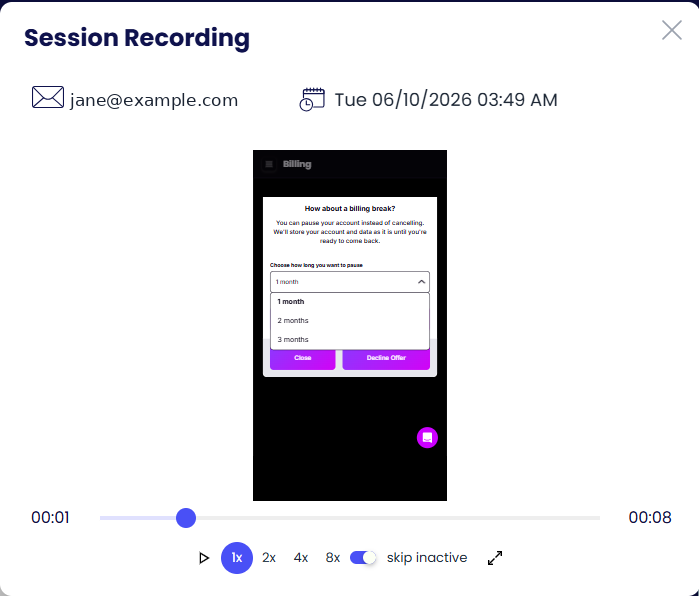
Session recordings
Watch how customers actually move through the flow.
On this page
What is recorded
- A replay of each session: steps visited, time on each step, where the customer paused or left.
- Behaviour tracking: mouse movement and hover, button and link clicks, scroll depth.
- The outcome and the offer shown, so you can jump straight to sessions where an offer was declined.
Open any session from Sessions to replay it. The player shows the customer, the session date, a timeline, playback speed (1×, 2×, 4×, 8×) and a skip inactive toggle that jumps over idle time.